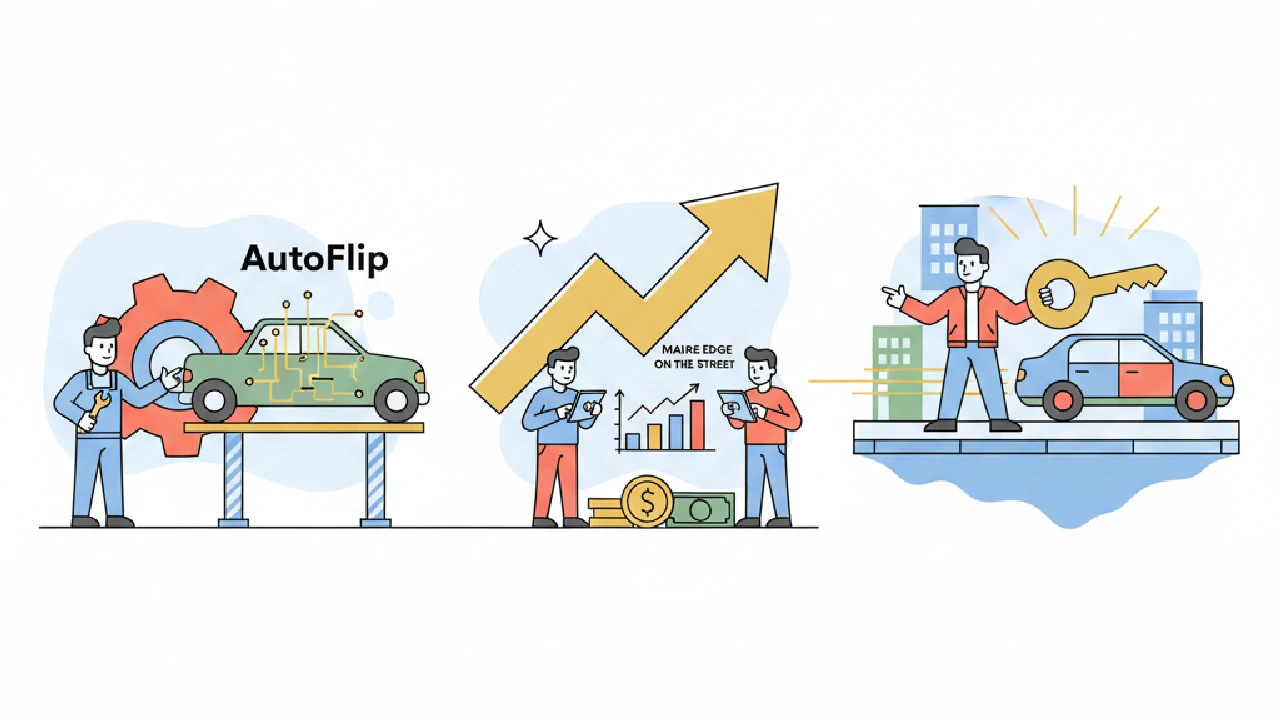
Finding vehicle deals on public marketplaces demands speed. The best cars disappear in minutes. AutoFlip Pro gives you that speed. It monitors multiple platforms and pushes alerts the second a deal hits. This isn't about salvage auctions directly, but the principles of quick deal identification and smart filtering are the same. This guide focuses on configuring AutoFlip Pro to be your eyes and ears, ensuring you're first in line for the best flips.
Understanding Your Search Radius and Destination
Your search radius and destination settings are critical for accurate market valuation and transport cost calculations. You want to see deals you can physically inspect and pick up without excessive travel. Setting your alert radius tightly around your operational area is key. Wider isn't always better; it just means more noise and lost time on unnecessary drives.
For example, if you're based in Miami and plan to source locally, a 50-mile radius makes sense. Anything further needs to be an exceptional deal to justify the added transport cost and time. AutoFlip Pro allows you to define your desired zip codes or regions in the Settings & Billing section, ensuring alerts are geographically relevant for its market value estimations.
Consider your pickup logistics. Are you using a trailer? Do you have reliable drivers? Factor in the time to get to the vehicle once the alert hits. A deal 100 miles away might seem good on paper, but if it takes you two hours to get there, it’s likely already gone. Even with a well-oiled machine, travel time is money. For high-volume flippers, this logistical bottleneck can severely limit your throughput. AutoFlip Pro's ability to filter by proximity isn't just convenience; it's a strategic operational tool to maximize the number of deals you can pursue effectively within your available time window. You might even consider having multiple AutoFlip Pro accounts or adjusting your Analysis Defaults for different geographic clusters if you operate with dedicated teams for different regions.
Edge Case: Expanding Your Radius Strategically. While a tighter radius is generally better, there are scenarios where strategic expansion pays off. Perhaps a neighboring county has significantly different market dynamics – lower demand, fewer flippers, or unique regulations that create undervaluation opportunities. Use AutoFlip Pro's analysis of comparable listings (available via the Analyze Vehicle function) to identify these pockets. For instance, a rural county adjacent to a major metro area might yield classic trucks or project vehicles at lower prices due to less competition. In such cases, a slightly wider radius for a very specific vehicle type could be profitable, assuming you've factored in the increased transport cost for salvage car flips and time for that specific niche.
Crafting Your Watchlist for Profit
This is where you define what a "deal" looks like. AutoFlip Pro allows you to set granular filters for make, model, year, mileage, and even keywords like "clean title" when you save an analysis to your Auctions Watchlist. Your goal is to narrow the alerts to only the vehicles that fit your flipping strategy and profit targets.
Think about your target Average Retail Value (ARV) for different vehicle types. If you primarily flip compact SUVs, you know a 2018 Honda CR-V with 80k miles has a certain ARV range. Set your maximum purchase price in AutoFlip Pro to ensure you only see listings that offer a comfortable profit spread. The system's market value estimation, based on comparable listings, helps you identify this ARV range.
For instance, if a 2018 Honda CR-V (80k miles) typically sells for $18,000 in your market, and you aim for a $3,000 profit after all expenses, your max bid/purchase price should be around $13,000. This leaves room for potential buyer fees, minor repairs, and transport. AutoFlip Pro's filters help you set these thresholds upfront, filtering out overpriced listings automatically. Remember to configure your Target Profit Margin in your settings for accurate max bid calculations.
Be specific with keywords. If you only want 4x4 trucks, include "4x4" or "four wheel drive" in your watchlist. If you avoid certain damage, exclude terms like "salvage title" (though for salvage flipping, you'd include it!). For strategies on tracking lots and repairs, consider using the Auctions Watchlist for organization, or for Pro plan users, the Portfolio and Parts Inventory features for detailed repair tracking.
Operator Angle: Dynamic Watchlists for Market Shifts. The automotive market is not static. Consumer preferences, fuel prices, and economic trends can rapidly shift demand. Your AutoFlip Pro watchlist shouldn't be static either. Regularly review your most profitable flips and least successful attempts to refine your filters. For example, if gas prices spike, demand for large SUVs might cool, while smaller, fuel-efficient sedans heat up. Be ready to adjust your max purchase price thresholds or even temporarily pause certain watchlists. AutoFlip Pro, with its real-time data aggregation via its free public lot analyzer, can be a powerful tool for observing these micro-trends if you pay attention to the types of deals that are consistently available versus those that disappear instantly. Set up "test" watchlists for emerging segments to gauge their viability before committing heavily. To get a better handle on your overall strategy, review this playbook for flipping cars for profit.
Beyond the Obvious: Undervalued Features. Sometimes a vehicle isn't a deal just because of its year and mileage. Certain features can significantly boost resale value but might be overlooked by casual sellers. Think about premium sound systems, panoramic sunroofs, advanced driver-assistance features, or rare color combinations. You can set up specific AutoFlip Pro filters to catch these gems. For example, add "Bose audio," "heated seats," or "adaptive cruise control" as positive keywords to target vehicles where the seller might not fully understand the premium value these options add. This allows you to cherry-pick cars with a higher ARV than their base model counterparts, increasing your profit margin without overspending on the acquisition. Understanding how to master comparable sales for salvage flipping can further enhance this.
Integrating Transport and Repair Costs into Your Filters
A good flip is about the numbers. Before you even see an alert, you need to know your all-in cost ceiling. Transport and repair estimates are crucial here.
Your "maximum purchase price" within AutoFlip Pro needs to be a dynamic figure. It's not just the car's price; it's that price minus estimated repair, transport, and fees, all while maintaining your target profit. AutoFlip Pro's intelligent max bid calculator takes into account your specified Default Destination (for transport cost) and allows you to input estimated repair costs, ensuring your maximum bid reflects a profitable outcome. These crucial settings, located in your Analysis Defaults, are vital for accurate calculations and should be among the first things you configure after signing up for AutoFlip Pro.
Key Takeaways
- Configure your search radius and default destination in AutoFlip Pro's Analysis Defaults for accurate market valuations and transport cost estimates, ensuring alerts are geographically relevant.
- Craft dynamic watchlists using AutoFlip Pro's filters for make, model, year, and keywords to focus on vehicles that align with your flipping strategy and target profit margins.
- Integrate estimated repair and transport costs into your max bid calculations, using AutoFlip Pro's Target Profit Margin setting to ensure every potential purchase is profitable.
- Regularly review and adjust your AutoFlip Pro watchlists to adapt to market shifts and identify undervalued features that can boost resale value.
FAQ
How does AutoFlip Pro help with market valuation for street deals?
AutoFlip Pro estimates market value based on comparable listings and your specified zip code, found in your Analysis Defaults. This helps you identify the potential Average Retail Value (ARV) of a vehicle before you commit to a purchase.
Can I filter for specific features like "heated seats" in AutoFlip Pro?
Yes, you can set granular filters for keywords like "heated seats," "Bose audio," or other premium features when you save an analysis to your Auctions Watchlist. This helps you find vehicles with overlooked added value.
How does AutoFlip Pro calculate my maximum purchase price for a vehicle?
AutoFlip Pro's intelligent max bid calculator considers the vehicle's adjusted market value, estimated repair costs, transport costs (based on your Default Destination), auction fees, and your specified Target Profit Margin to ensure your purchase price accounts for a profitable outcome.
What is the benefit of adjusting my search radius strategically?
While a tighter search radius minimizes transport time and noise, strategically expanding it to neighboring areas can reveal undervalued opportunities due to different market dynamics. AutoFlip Pro helps analyze comparable listings in these areas, but remember to factor in increased transport costs.