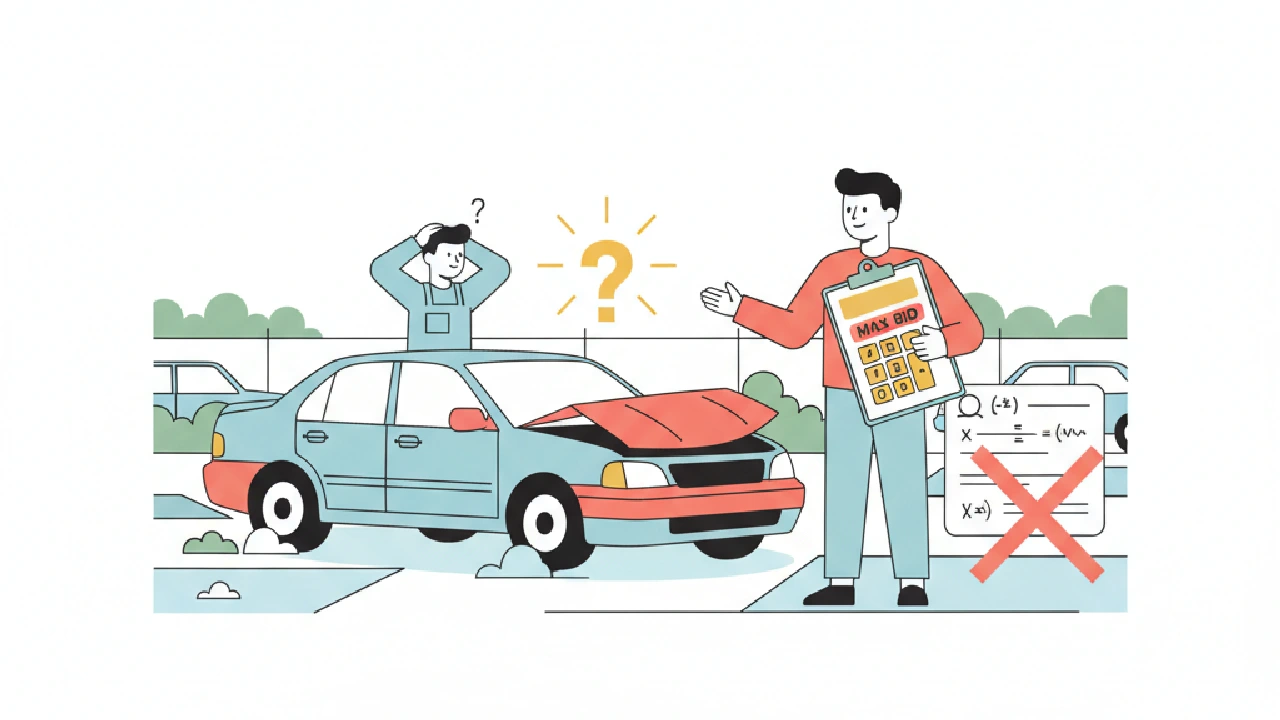
Use the built-in Copart buyer fees calculator before you bid. It helps, but it’s not the full story. If you treat the calculator as the final all-in number you’ll lose margin. This brief shows what the lot-level calculator includes, what it leaves out, and exactly how to set a true max bid on auction day.
Core idea — what you're actually buying when you click "Calculate"
The Copart lot calculator shows buyer fee, internet bid fee, gate fee and a few fixed items for the lot. That is useful, but the calculator only handles line items Copart charges directly. It does not replace your deal model. Your job before auction day is to build the rest of the stack: transport, storage risk, repairs, title risk and your required profit. Treat the calculator as one input, not the final number.
If you want a step-by-step pre-auction checklist for lot analysis, see How to Analyze a Copart or IAAI Lot Before You Bid: Your Auction Day Briefing for the full rundown.
1) What the Copart calculator covers — and what it hides
How to use it: open the lot page, click the calculator icon in the bidding panel, enter an estimated sale price, choose payment method and hit Calculate. The panel returns the buyer fee line, internet bid fee, gate fee and some yard-specific charges.
- Included: tiered buyer fee (Copart uses tiers), internet bid fee, gate fee, environmental and title-handling lines in the lot calculator. These are the items you will see immediately.
- Not included: transport, repair costs, local broker handling (if you use one), state-by-state title quirks that affect your resale path, and the time-on-lot/storage risk after purchase.
Bottom line: use the lot calculator for the Copart lines. Always add your own numbers for the rest.
2) Max-bid math — run the seller-first formula before you bid
Stop bidding from your gut. Use this simple seller-first formula and plug in line-item values before you start the paddle wars:
Max bid = Target exit price (your ARV) - Repairs - Transport - Storage risk - Buyer fee - Internet fee - Gate fee - Environmental fee - Title handling - Profit floor
That formula is the tactic. The tricky part is the buyer fee line because Copart uses tiered buyer fees. Know how the tiers behave so you don't bid into the next, higher-fee bracket unknowingly.
Practical step: run three scenarios (best, expected, worst) and recalc buyer fee for one bid up and one bid down. Doing that prevents a single increment from pushing you into a heavier-fee bracket and wrecking your spread.
For a hands-on tutorial on setting a safe max bid that avoids overpaying, see Setting Your Copart Max Bid Without Overpaying.
From the Copart fee structure: buyer fees are tiered. At mid-low hammer levels buyer fees are much larger as a percent; at higher sale prices the percent falls. That means a small jump in your hammer can suddenly change the buyer fee dollar amount enough to wreck your spread. Always run bidder scenarios 1 bid up and 1 bid down and recalc the buyer-fee line.
3) Title, gate, and yard traps that kill margins
Title handling and gate fees are small compared to big repairs, but they are hard, fixed costs that move the break-even point.
- Gate fee: varies by yard — commonly in a range. Know the yard’s gate fee before you bid; assume the higher value if you’re uncertain.
- Title processing: a separate line that varies by state. It’s a fixed pain when you need to clear title before sale.
- Title groups and salvage codes: the lot page shows the title group. If the title group suggests administrative work (duplicate title, out-of-state title, bonded title), add time and extra title fees to your model.
Small fixed lines add up fast on low-dollar flips. If you flip sub-$2,000 cars, gate + internet + title can be a large share of cost. Don’t ignore them. If the title or salvage code looks like a deal-killer, see when to walk away from a salvage auction because of title traps for decision guidance.
4) Storage, transport, environmental fees — the avoidable surprises
Storage and transport are where buyers get clipped after the sale. Copart storage starts after free days and varies — urban yards tend to run higher daily rates. Transport is fully variable and must be quoted before auction day.
- Environmental fee: there is usually a small flat environmental fee per vehicle shown on the lot calculator.
- Storage: yards charge daily and the range can be wide; treat storage as a ticking clock on your margin.
- Transport: always pre-quote a transporter. If you don’t have a pre-booked carrier, expect premiums or day-of hassles that eat margin.
Plan pickup windows and hold a cash buffer for storage and re-locates. The faster you get the car out, the less the soft-cost hit. The common transport pitfalls that shrink your max bid are avoidable if you pre-book and factor the quote into your model.
5) Mini-case: how to read the calculator and set a conservative max bid
This is a compact, real-fees example using Copart fee lines you will see in the calculator. Use it as a template and drop in your repair and transport numbers.
Inputs you will see on the lot page and in the calculator (these are the exact line items Copart shows):
- Buyer fee: tiered (buyer fees run in a wide range depending on sale price and membership level)
- Internet bid fee: a flat fee often shown for online bidders
- Gate fee: yard-specific, shown on the lot and commonly varies in a small range
- Environmental fee: a small flat per-vehicle amount
- Title processing: a state-dependent line shown in the fees
Concrete mini-case (use this script in the calculator): assume a hammer price of $1,000. From the fee structure guidance you will see on the lot page:
- Buyer fee at that tier is roughly 25% (the fee table shows buyer fees are around that percent at the $1,000 sale-price tier).
- Internet bid fee: expect the flat online bidding fee line on the lot (a common flat internet bid fee appears on lot pages).
- Gate fee: expect a yard gate fee in the mid-range—yards commonly list gate fees within a $79–$95 range.
- Environmental fee: a small flat per-vehicle fee is typical (shown on the lot calculator).
- Title processing: a separate line item for title handling is shown and varies by state.
How to run the check without guessing repair/transport yet: put the hammer $1,000 into the Copart lot calculator and note the fee lines it returns: buyer fee, internet bid fee, gate, env, title. Then add your repair estimate and transport quote. If that pushes you below your profit floor, walk.
Why this helps: at $1,000 buyer fee behaves like a percentage-heavy line. That makes fixed lines (internet + gate + title) more expensive as a share of cost. If you flip low-dollar cars, small dollars matter — do that mental math out loud before the hammer falls.
If you prefer to automate the scenario runs, AutoFlip Pro’s Max Bid Calculator ties the Copart fee lines into a full max-bid model: Clean Market Value, Title Discount, Transport Cost (distance × rate), Auction Fees, and Target Profit are used to produce an actionable max bid you can test across scenarios. Make sure you set your zipcode and default destination in settings so transport distance and local comps feed the calculator correctly — then run the 1-bid-up/1-bid-down checks automatically. To try a free lot analysis, analyze a Copart lot free before you bid.
Key takeaways
- Always run the lot calculator, then add your own repair, transport and storage numbers — the Copart calculator is necessary but not sufficient.
- Buyer fees are tiered. Recalculate if your bid crosses a fee tier — a single increment can change the buyer-fee dollar amount enough to kill your spread.
- Know the yard gate fee and title-handling quirks before auction day; treat fixed lines as hard costs.
- Model storage and transport before you bid. Storage is a daily tax on margin; transport is negotiable only if you book ahead.
- Use a seller-first max-bid formula and run three scenarios: best case, expected, and worst case (include an extra day of storage and one repair overrun in worst case).
FAQ
Do I have to trust Copart’s lot calculator numbers?
Use them as the official Copart fee lines. They show buyer fee, internet bid fee, gate fee and a few yard-specific charges. Do not treat them as your all-in number — add repairs, transport, storage and profit to get a true max bid. For quick market comps and a combined risk-adjusted max bid, run the lot VIN through AutoFlip Pro to get a market value estimate and a risk level before you finalize your bid.
How do tiered buyer fees change bidding strategy?
Tiered fees mean percent of sale price falls as sale price rises. That creates jumps at tier thresholds. Before the auction, run the lot calculator at two adjacent hammer amounts so you see how the buyer-fee dollar line moves; that prevents surprise jumps that erode your spread.
What fixed Copart fees should I always expect?
Expect a gate fee (yard-specific), an internet bid fee for online bidding, an environmental fee and a title processing line. Those are the Copart lines that show up reliably on a lot page.
Can I skip transport quotes until after I win?
No. Day-of transport premiums and no-shows are a common profit killer. Get at least one confirmed carrier quote before you bid so transport is a known value in your max-bid math.
How tight should my profit floor be on low-dollar cars?
Keep it conservative. Low-dollar cars have higher fixed-fee share (internet + gate + title). If your margin after the Copart fee stack leaves you thin, move to higher-dollar flips where percent-based buyer fees bite less as a share of total cost.
Actionable checklist — what to do before auction day
- Open lot page, click the calculator, run your estimated hammer and save the buyer/internet/gate/env/title lines.
- Get transport quotes and add a day-of pickup buffer.
- Estimate repairs and add a worst-case single repair overrun to your number.
- Run the max-bid formula: Target exit - Repairs - Transport - Fees - Profit. If result ≤ 0, skip the lot.
- Run two nearby bid scenarios (one bid up, one bid down). Confirm you do not cross an unfavorable buyer-fee tier at either price.
- If title group shows trouble, add extra title time/fees or pass.
That’s the briefing. Use the Copart calculator every time, but build your own fee stack and run the max-bid math out loud before you raise the paddle. Don’t let fee surprises turn a winner into a loser.