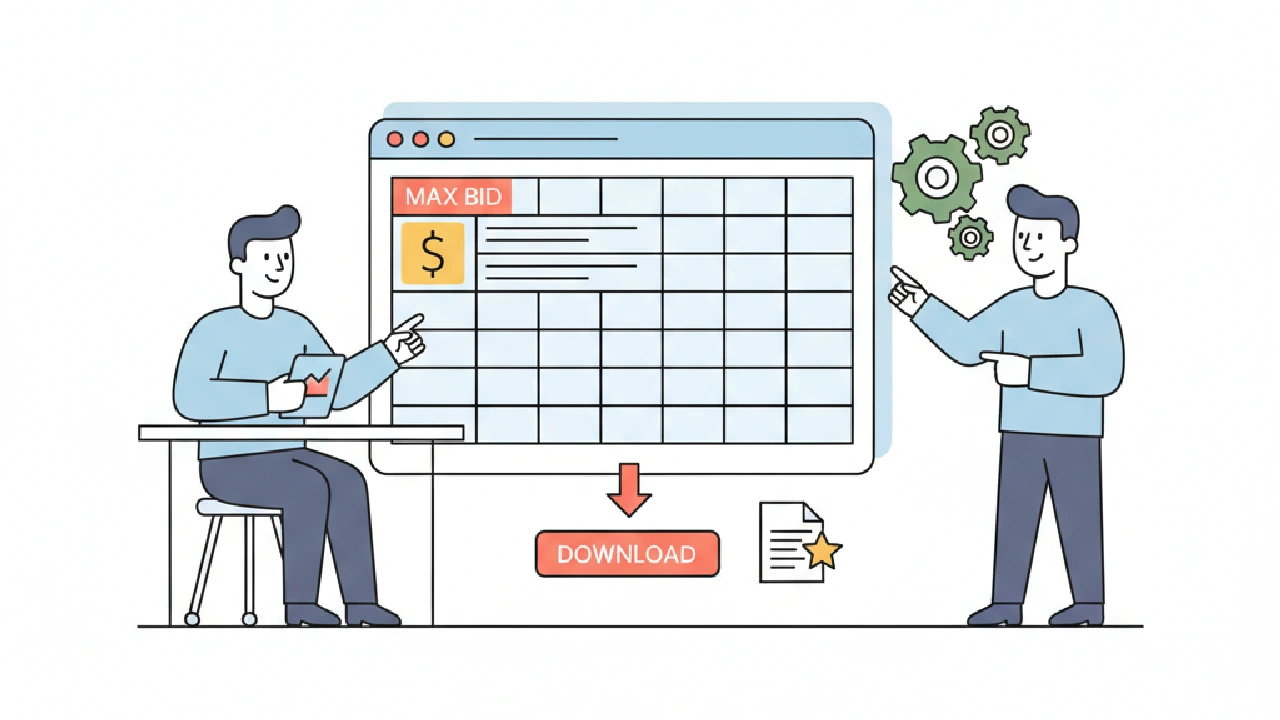
An Excel max bid template is enough to plan a handful of auto auction lots, as long as you type in real sold comps and the current buyer fee yourself. Once you are checking many lots a week, or you want fees, transport and comparables filled in for you, a dedicated tool saves the retyping. This post gives you a free AutoFlip workbook, shows exactly what is inside it, and lays out when each option makes sense.
Download the free AutoFlip Max Bid Template (.xlsx). No sign up, no email. It opens in Excel and other spreadsheet apps that read .xlsx files.
Excel Max Bid Template vs a Dedicated Tool: Quick Comparison
Here is the honest version. Neither option is right for every flipper. Pick on volume and on how much of the data you want to gather by hand.
| Criteria | Excel max bid template | Dedicated max bid tool |
|---|---|---|
| Cost | Free download | Free calculators exist; full lot analysis is usually a paid plan |
| Sold comps | You find and type them in | Some tools pull comparables for the lot |
| Buyer fees | You look up the current fee and enter it | Fee tables are built in and updated by the tool |
| Transport | You enter a quote or estimate | Some tools estimate it from your ZIP and the yard |
| Works offline | Yes | No, it runs in the browser |
| Custom math | Change any formula you like | Fixed method |
| Speed at volume | Slows down as lots pile up | Built for checking many lots |
| Risk of a stale input | Higher, because you maintain every number | Lower for fees, but still verify on the auction page |
Use the template if you buy a few cars a month and like owning the math. Move to a tool when retyping fees and comps starts eating the time you should spend reading lots.
What Is Inside the Free AutoFlip Max Bid Template
The workbook has three sheets: Instructions, Max Bid and Comps. Yellow cells are inputs you edit. Gray cells are formulas. Formula cells are locked so you do not type over them by accident, and there is no password if you want to unprotect them.
Comps sheet
Enter sold results for the same year, make, model and title type. Each row has sale date, source, year, make, model, miles, title type, sold price and notes. The sheet counts your comps and shows the average and the median sold price. The median feeds the Max Bid sheet as your expected resale price.
Max Bid sheet
This is where the bid ceiling comes from. It works in five blocks:
- Expected resale price (ARV). It uses the comps median unless you type your own number in the override cell.
- Costs. Repair parts, repair labor, transport, title, inspection and registration, and other costs such as storage, detailing and listing.
- Target profit. Enter dollars, a percent of ARV, or both. When you enter both, it uses the larger amount.
- Buyer fee estimate. A fee percent plus a flat dollar amount, which you look up yourself.
- Results. All in budget, max bid, estimated buyer fee, a check total, a pass or fail check, and a walk away flag.
The math
All in budget is ARV, minus total costs, minus profit. Max bid is that budget minus the flat fee, divided by one plus the fee percent. The result is rounded down to a whole dollar so the fee, costs and profit still fit under the ARV. If the max bid comes out at zero or less, the walk away flag shows WALK AWAY.
What it does not include
There are no auction fee tables built in. Fees change and depend on your account type and payment method, so you enter them from the auction's own pages. The example values the file opens with are illustrative, not real auction results or current fees. Replace them before you use the sheet on a real lot.
Decision rule: if you cannot fill every yellow cell with a number you trust, the max bid it gives you is a guess.
How to Use the Template on a Real Lot
Work top to bottom. The order matters because each block feeds the next.
- Open Comps and replace the example rows with sold results that match the car's year, model and title type.
- Check the median on the Max Bid sheet. Override it only if you have a reason, like a trim the comps miss.
- Price repairs from the photos and condition report, then add transport and your state's title and inspection costs.
- Set the profit you need to make the flip worth your time.
- Enter the buyer fee for that bid range from the auction's fee page.
- Read the max bid, then confirm the check says PASS.
Here is a labeled hypothetical with round numbers. Say comps put resale at $12,000, total costs are $3,500, your profit target is $1,500, and you enter a 10% fee plus $50 flat. The budget is $7,000. The template returns a max bid of $6,318, and the check total lands just under $12,000. Those fee inputs are examples only, not Copart or IAAI's real fees.
With the example values the file ships with, the Max Bid sheet shows a max bid of $6,772. That figure is there so you can see the formulas work. It is not a recommendation for any car.
Decision rule: once the max bid is set, enter it as your top bid and do not raise it during the sale.
Where Do I Get the Comps and Fee Numbers to Type In?
This is the question that comes right after you open the file. The formulas are simple. The inputs are the hard part.
Sold comps
Watch lots that match your target car and write down where bidding stopped and what the sale status was. A Pure Sale goes to the high bidder. On Approval and Minimum Bid lots can still be rejected or countered by the seller, as the Copart glossary explains. Log those as "stopped at," not "sold for." Our guide to Copart sold prices walks through how to build that log.
From the flipper side, two habits keep comps honest. Match title type first, because a rebuilt or salvage title car does not resell like a clean one. Then match damage and keys, because a no keys lot can drag your repair and transport costs up. Five close comps beat fifteen loose ones.
Buyer fees
Copart publishes its member fee charts on its member fees page, and IAA lists its buyer fees on the IAA buyer fees page. Fees vary by account type, bid amount and payment method, so read the chart that fits you. If you want an itemized Copart number without reading the chart, the free Copart fee calculator works from Copart's published US chart. Always confirm on the lot and the invoice.
Decision rule: refresh your fee inputs whenever you bid in a new price range or change account type.
When a Spreadsheet Stops Being Enough
We have covered where spreadsheets break in more depth before. Read why spreadsheets break after 10 active lots, spreadsheet vs auction software, why a spreadsheet max bid fails on title discount and AI vs spreadsheet for max bid. The short version:
- You copy the same fee and transport numbers into a new file for every lot.
- You forget to update a fee input and a lot looks better than it is.
- You track bids, wins, repairs and resale in different files that never agree.
If two of those sound familiar, the time you spend on the sheet is costing more than a tool would. For running the whole flip from bid to sale, see our salvage flip pipeline guide.
Decision rule: keep the template for one off lots, and use a tool for your regular weekly checks.
What a Dedicated Tool Adds, and What It Does Not
The free AutoFlip max bid calculator needs no sign up. You enter year, make and model or a VIN, title type, auction, optional mileage, a repair estimate, your ZIP and the yard. It estimates market value and transport, applies fees, and suggests a max bid with a cost breakdown. The page itself says those are planning estimates, and Copart fees there use simplified tiers. For more options, see our list of max bid calculators for salvage flippers, and the full set of free auto auction tools.
A tool does not remove judgment. It cannot see a frame issue the photos hide, and it cannot know your shop rate. You still price the repair and decide the profit you need.
If you want a lot checked end to end, AutoFlip Pro analyzes a specific Copart or IAAI lot with its photos, damage, title, comparables, max bid and bid history. Paid plans start with a 7 day free trial (a credit card is required), and the current plans are on the pricing page. You can also run a free lot analysis first with no account.
Decision rule: whichever you use, the auction's own fee page and the invoice win over any estimate.
Before You Bid With the Template, Check This
- Every example row on Comps is replaced with a real result.
- Comps match the title type of the car you are bidding on.
- The fee percent and flat amount come from the current fee page for your account type.
- Transport is a real quote or a careful estimate for that yard.
- Title, inspection and registration costs match your state.
- The check reads PASS and the walk away flag reads OK.
Key takeaways
- Download the free template and replace every example value before you use it on a real lot.
- Look up buyer fees on Copart's and IAA's own pages, because the file has no fee tables built in.
- Build comps from matching title type, damage and keys, and log On Approval bids as "stopped at."
- Switch to a dedicated tool when retyping fees and comps for many lots slows you down.
- Treat the max bid as your ceiling and walk away when the flag says so.
FAQ
Is the AutoFlip max bid template free?
Yes. The .xlsx file is a free download with no sign up. It opens in Excel and other apps that read .xlsx files.
Does the template include Copart or IAAI fees?
No. You enter a fee percent and a flat amount from the auction's current fee page, because fees change and depend on your account type and payment method.
How does the template calculate the max bid?
It takes ARV minus costs minus profit, subtracts the flat fee, and divides by one plus the fee percent. The answer is rounded down to a whole dollar.
Can I change the formulas?
Yes. Formula cells are locked to prevent accidents, but there is no password. In Excel, use Review, then Unprotect Sheet.
When should I use a calculator instead?
Use a calculator when you check many lots a week, or when you want fees and transport estimated for you. Keep the template for custom math and offline planning.